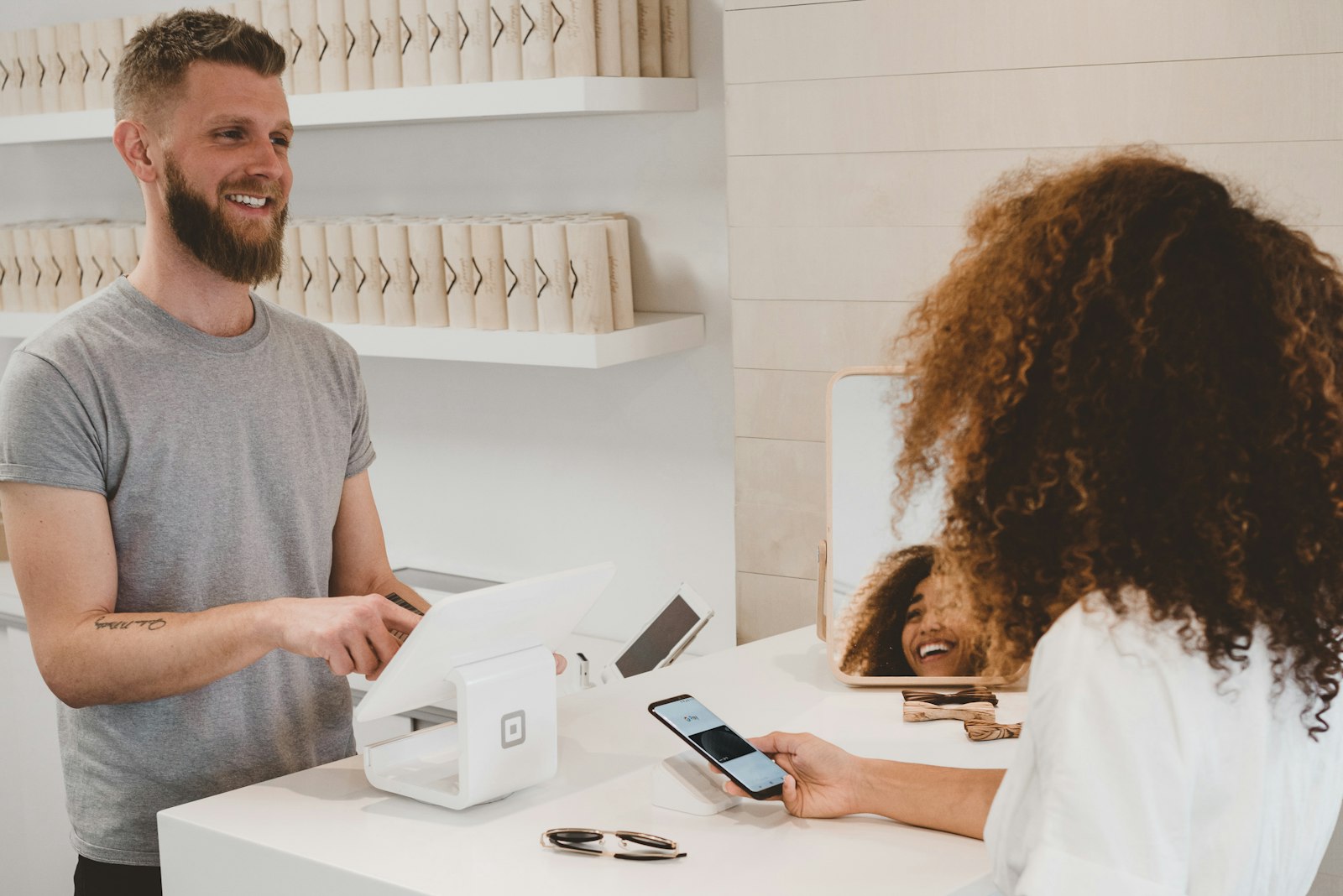
A beauty salon, a medical practice, a car workshop or a restaurant: for many businesses the work starts with an appointment. When appointments are taken only by phone, the client has to catch you when you are free, and you interrupt your work to pick up. With online booking the client chooses the service, the day and the time on their own, even after you have closed for the day.
What good online booking needs
- Few steps: the service, the day and time, the client's details
- Only free slots, so two clients never get the same appointment
- Instant confirmation by email or SMS
- It works well on a phone, not only on a computer
- A panel where you see, move or cancel appointments
Where to put it
The "Book an appointment" button should be visible right away on the home page, not hidden at the bottom. Put the same link on your Google Business Profile, on Instagram and on Facebook, so the client reaches the booking in one click from wherever they find you. If clients come back often, the same booking can also live in an app.
Keep the phone for questions. Let the website keep the appointments.
Source: Google Business Profile Help · Photo: Unsplash